¶ Purpose
The Prefix Combination Setting screen allows the user to generate unique prefixes for ERP documents, or transactions based on the specific financial year. This ensures that all records are categorized correctly and can be easily identified by the year of creation.
¶ Prerequisites
The new Financial Year creation transaction must be completed if the prefix settings are being configured for a new financial year; otherwise, the system will allow changes to the current financial year's prefix settings.
¶ Prefix Combination Setting
The Prefix Combination Setting screen allows the user to add details for module wise transaction prefixes and also allows users to create custom prefixes, which can be attached to certain documents or transactions.
Navigation: Main – Menu → Masters → System Administration → Show List → Tools → Prefix Combination Setting
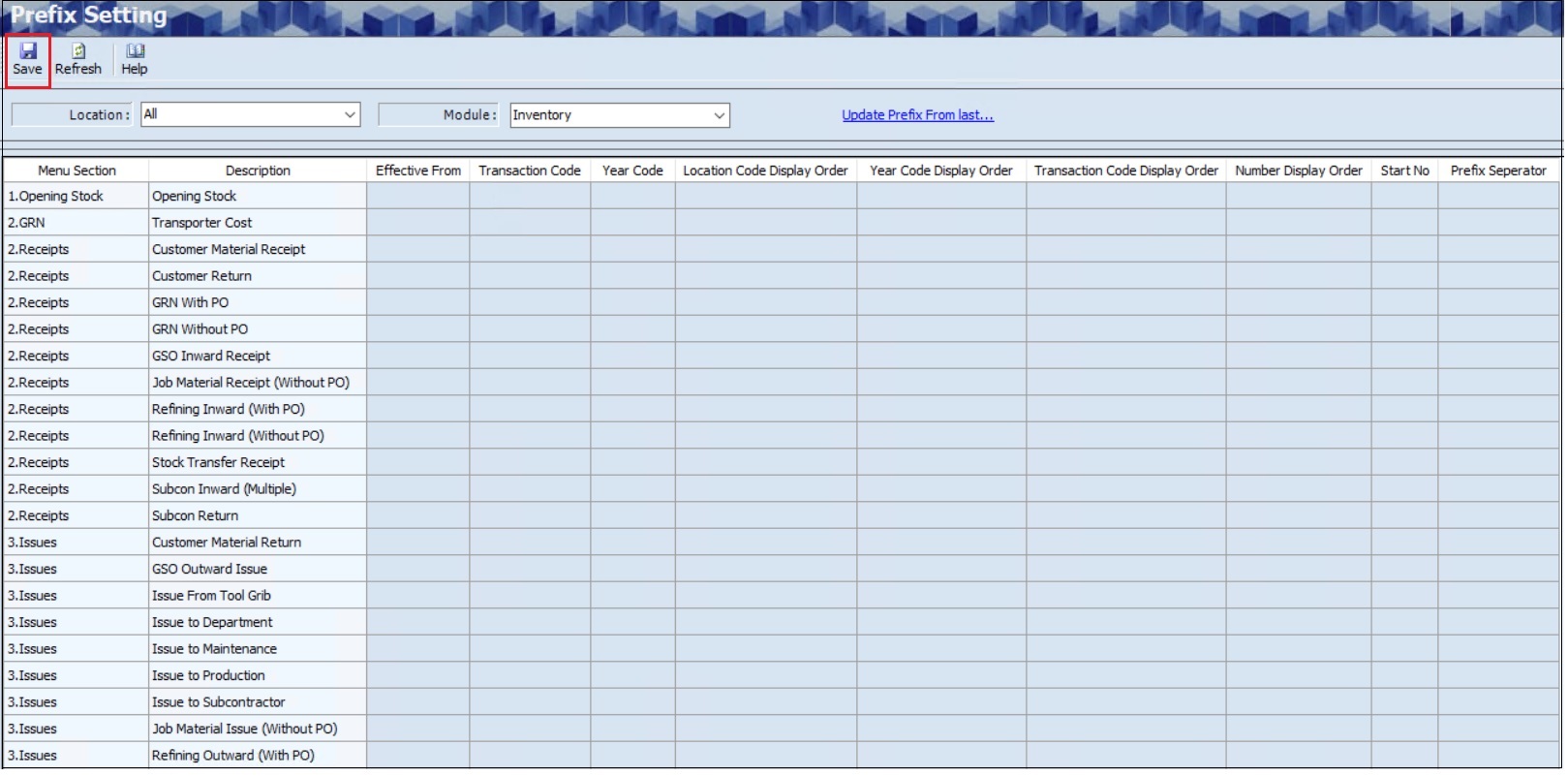
- The user can select the appropriate Location from dropdown list for location wise Prefix Settings, if required.
- The user must select the appropriate Module from dropdown list.
- Click Refresh, details such as the Menu Section, Description, Effective From, Transaction Code, Year Code, Location Code Display Order, Year Code Display Order, Transaction Code Display Order, Number Display Order, Start No and Prefix Separator will appear based on the Module, Master Section and Menus.
- The user must select Effective From (Date) from the dropdown calendar.
- The user can enter Transaction Code and Year Code.
- The user can configure the Location Code, as specified in the Location Master, within the Prefix settings, using the Location Code Display order, if required.
- The user can enter the display order of the Year Code using the Year Code Display Order.
- The user can enter the display order of the Transaction Code using the Transaction Code Display Order.
- The user can enter the display order of the Serial Number of the prefix using the Number Display Order.
- The user must set the starting number of the prefix serial number using Start Number.
- The user can set the Prefix Seperatior such as / or -using Prefix Separator.
- Click the Save, the following message will appear.
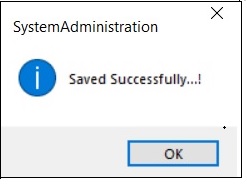
- Click OK.
¶ View or Edit Prefix Combination Setting
The Prefix Settings screen allows the user to view and edit the added or existing Prefix Combination Setting details.
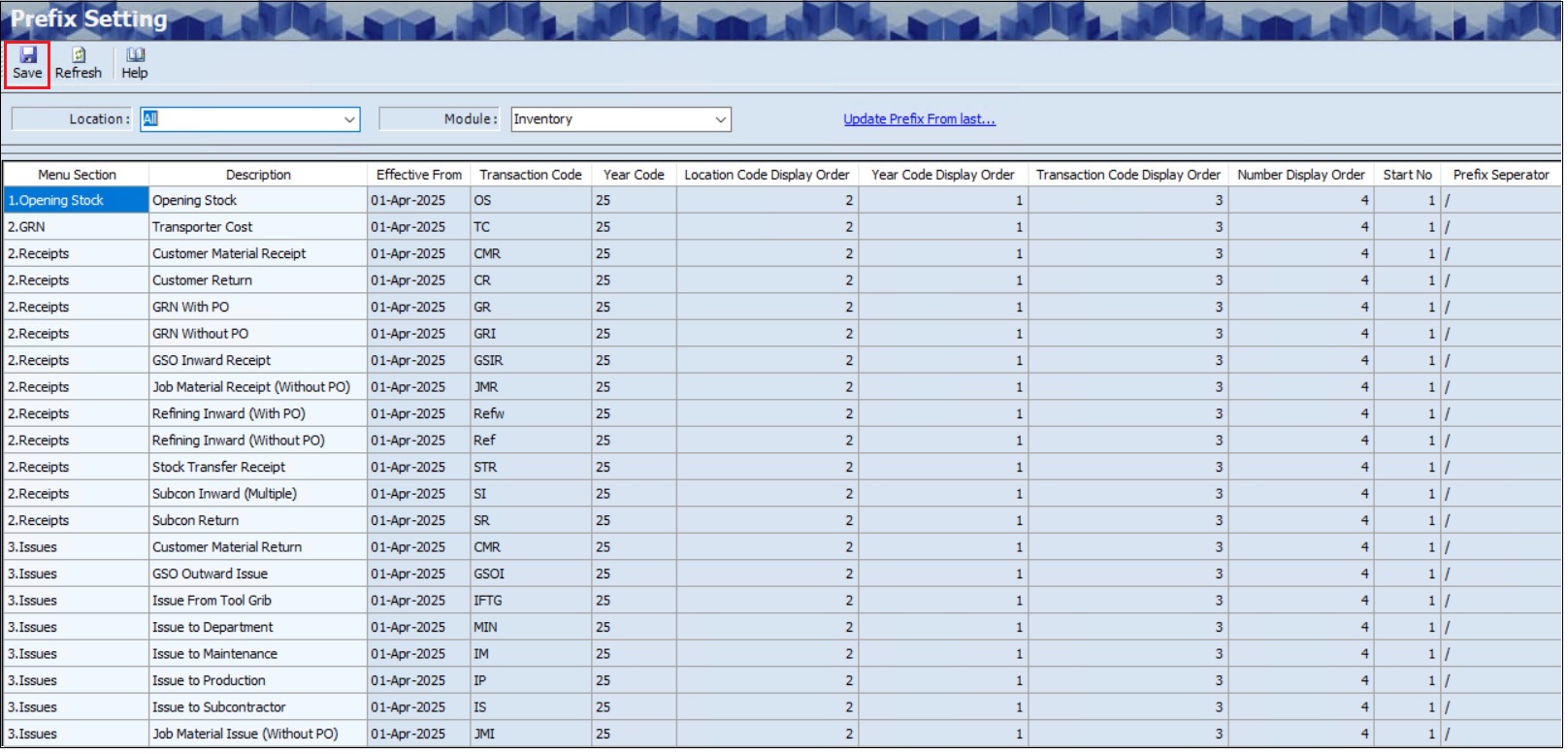
- The user can select the appropriate Location from dropdown list, if required.
- The user can select the appropriate Module from dropdown list, if required.
- Click Refresh.
- Once the user clicks the Refresh, details such as the Menu Section, Description, Effective From, Transaction Code, Year Code, Location Code Display Order, Year Code Display Order, Transaction Code Display Order, Number Display Order, Start No and Prefix Separator details will appear.
- The user can edit the above field, if required.
- Click the Save, the following message will appear.
- Click OK.
¶ Financial Year Beginning Prefix Configuration
The Update Prefix from Last Financial Year link allows the user to change the financial year code.

- Click the Update Prefix from Last Financial Year link to generate the same prefix settings as the previous year, excluding the financial year code.
- Once the user clicks the link, the following screen will appear.
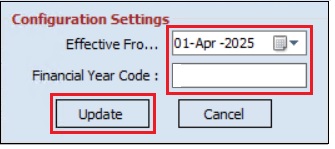
Note: The effective date cannot be earlier than the Financial Year Start Date.
- The user can edit the Effective From Date, if required.
- The user must enter details of the Year Code
- Click the Update, the following message will appear.
- Click OK.